A website is often the first real impression someone gets of your work. Not just what you do, but how you think, what you value, and whether you’re someone they want to work with. That’s a lot riding on a page, and I don’t take it lightly.
What sets my approach apart is that accessibility isn’t something I add on at the end. It’s built into how I work from the very beginning. After two and a half years working in inclusion and accessibility for an international nonprofit in Washington D.C., where I was trained in Section 508 accessibility standards, I bring that thinking to every website I build. In a world where inclusive design is still treated as optional, I think that matters.
Beyond accessibility, I care deeply about how a website feels. The tone, the flow, the way someone moves through a page and actually finds what they’re looking for. A good website should feel calm and considered. It should sound like you. And it should make the people you’re trying to reach feel like they’re in the right place.
Results at a glance
- 33,000 active website users in 2025OneSpirit
- 5 platforms: WordPress, Squarespace, Wix, Circle and PodiaBuilt and managed
What I can help you with:
Some people come to me for a one-off build or redesign. Others want someone to look after their site month to month, keeping it updated, adding new pages, and making sure it doesn't quietly fall out of date. I'm happy to do either, or both.
New websites
From the first sitemap to launch day, built to be calm, clear and easy to use.
Redesigns and refreshes
A fresh look and a clearer structure, without losing what already works.
Ongoing care
New pages, updates and fixes, month to month, so your site never falls out of date.
Structure and web copy
Pages that are easy to move through, with words that sound like you.
Accessibility reviews
A plain-language review of what’s getting in people’s way, and how to fix it.
How it works
A look at what you have
Your current site, or your plans for a new one, and who you want it to reach.
Build or refresh
Structure, design and words, with accessibility built in from the first page.
Looking after it
Updates, new pages and fixes, so your site stays current.
Not sure whether you need a new site or a refresh? That’s what the call is for.
From my portfolio:
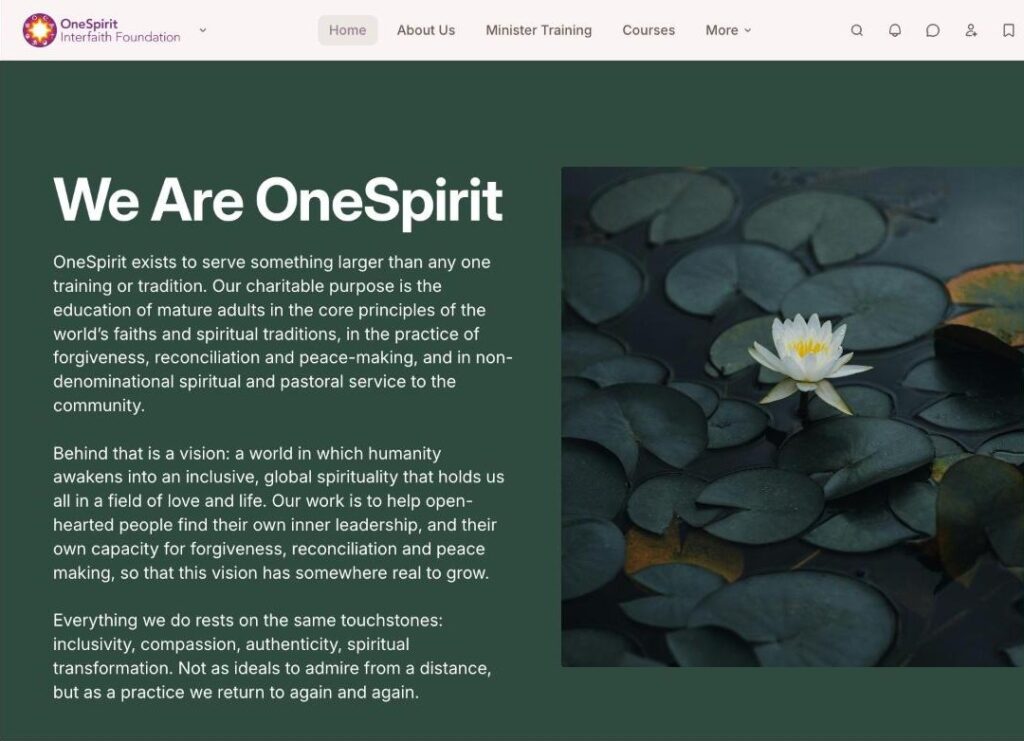
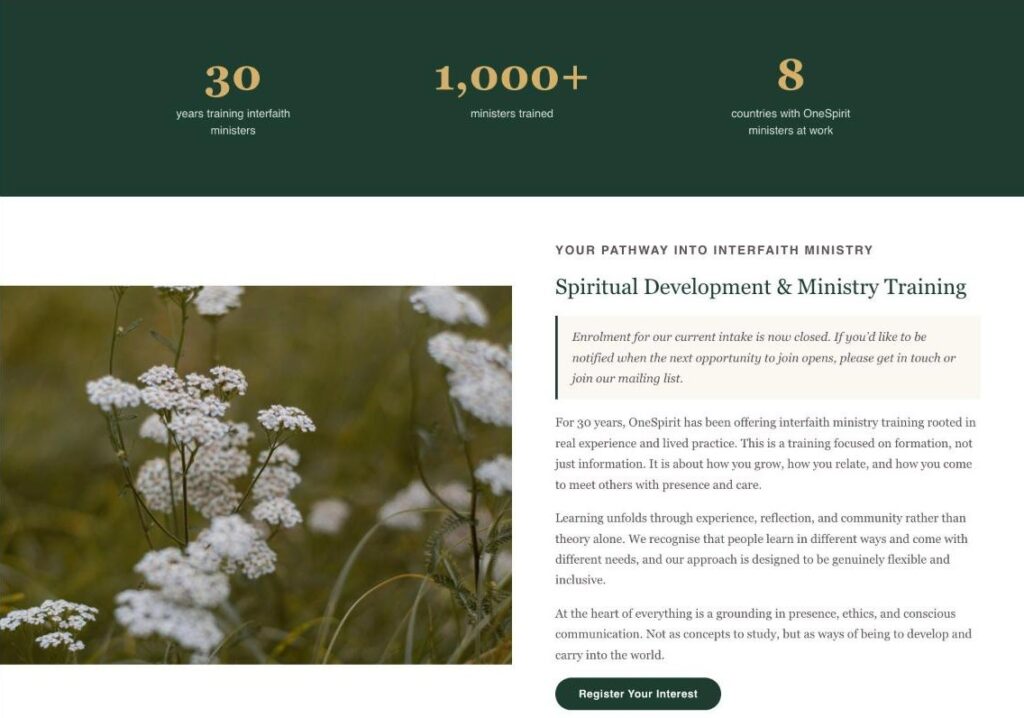
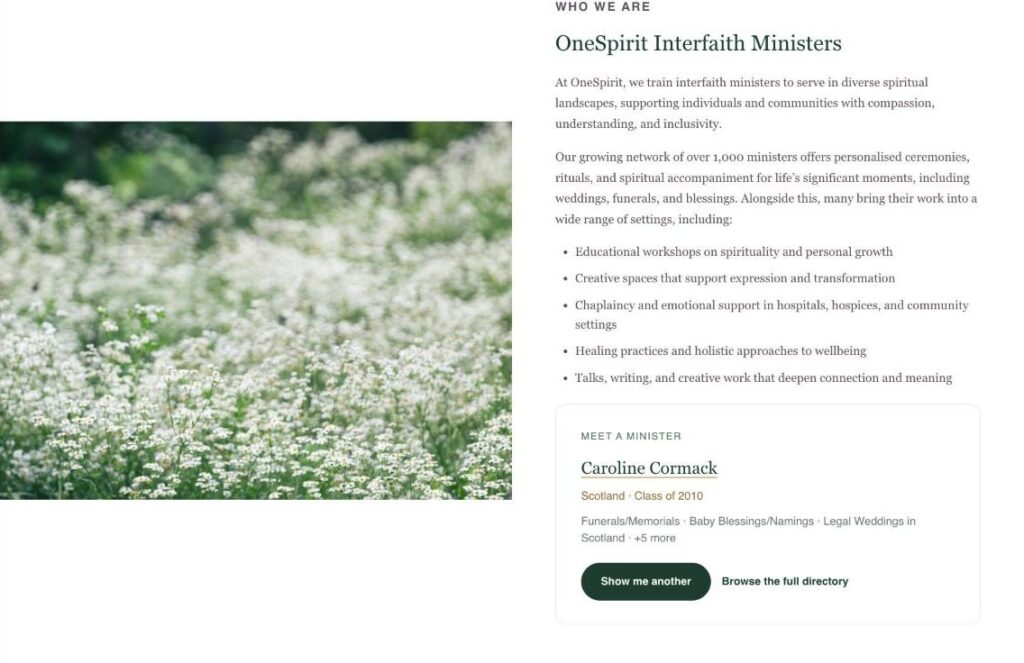
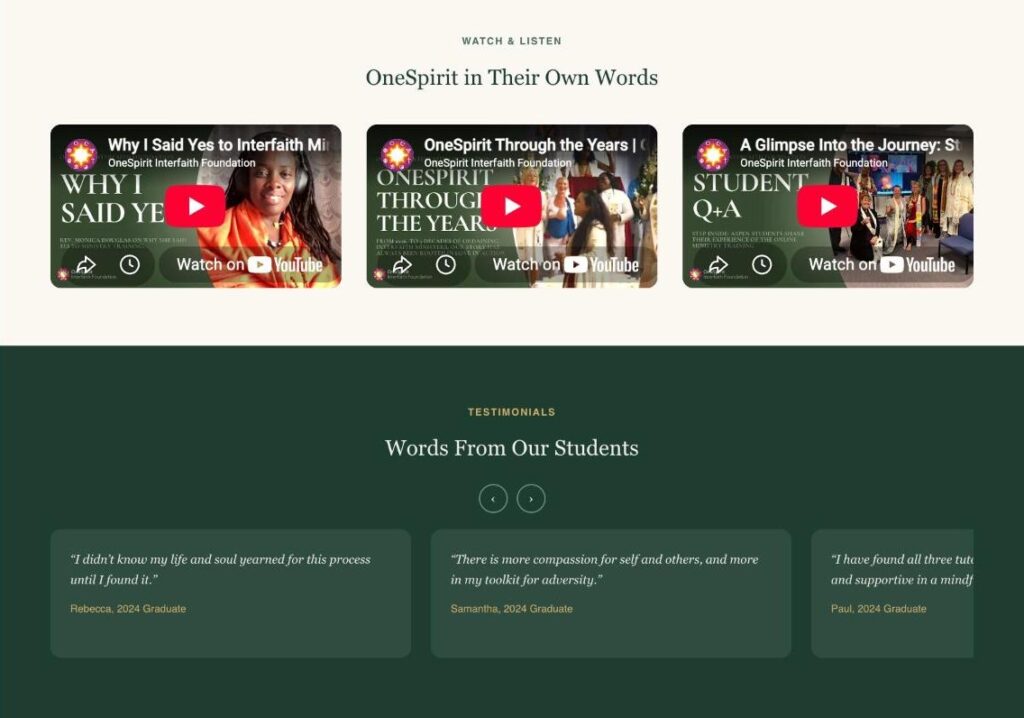
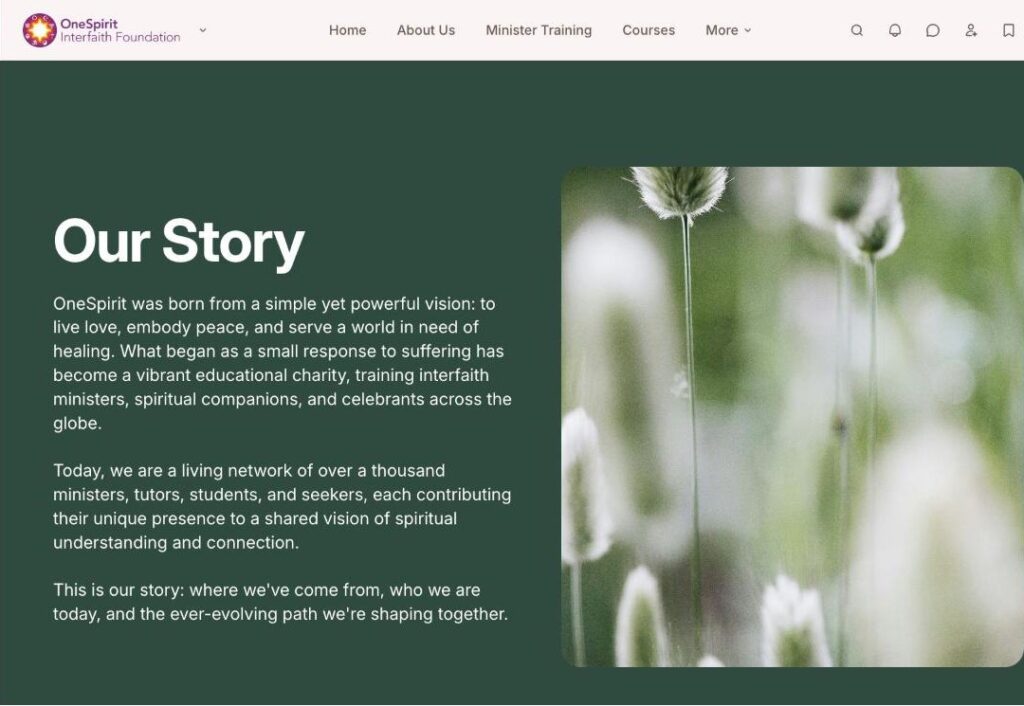
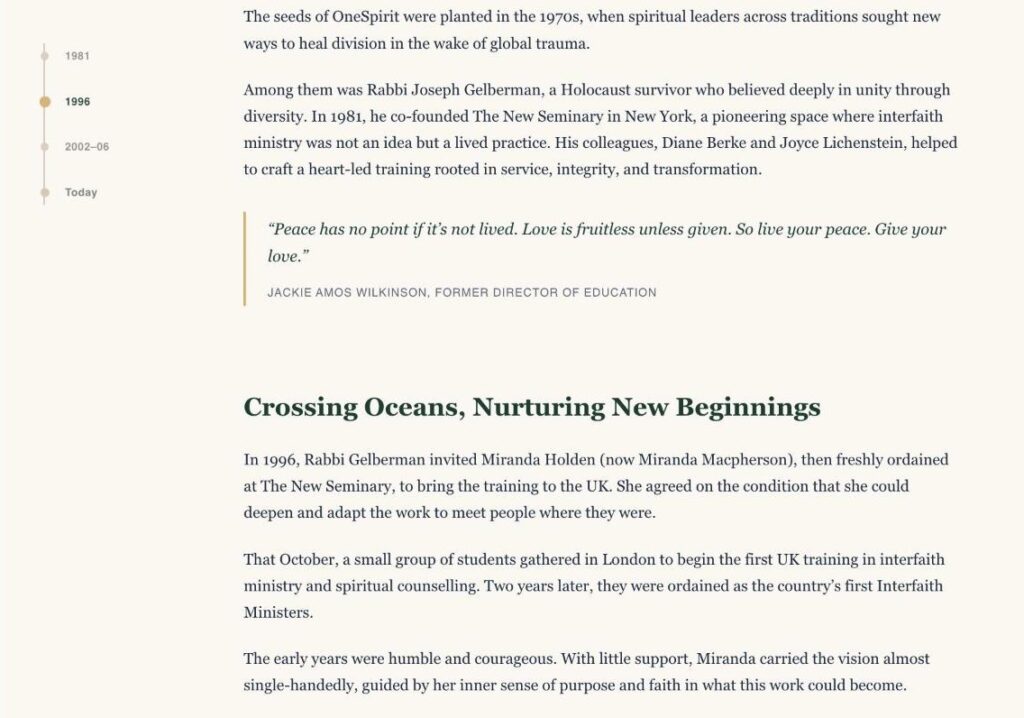
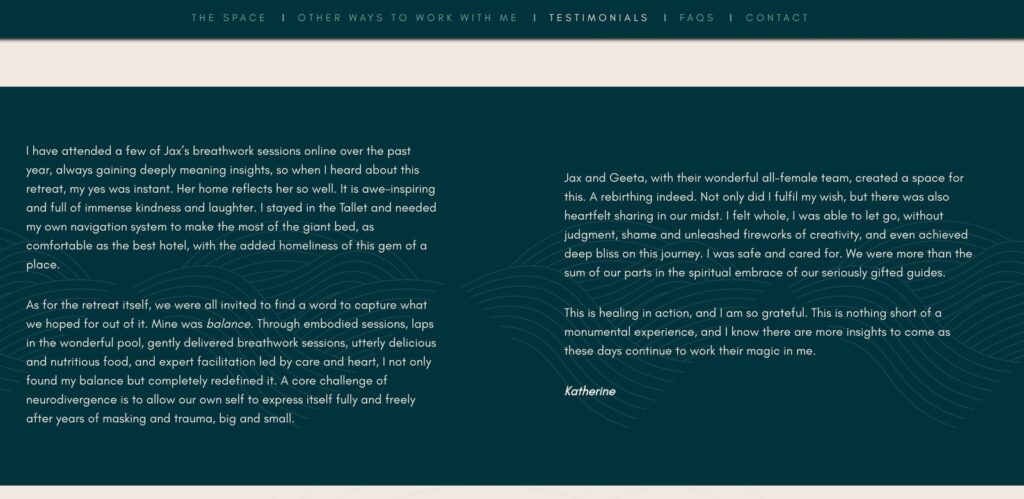
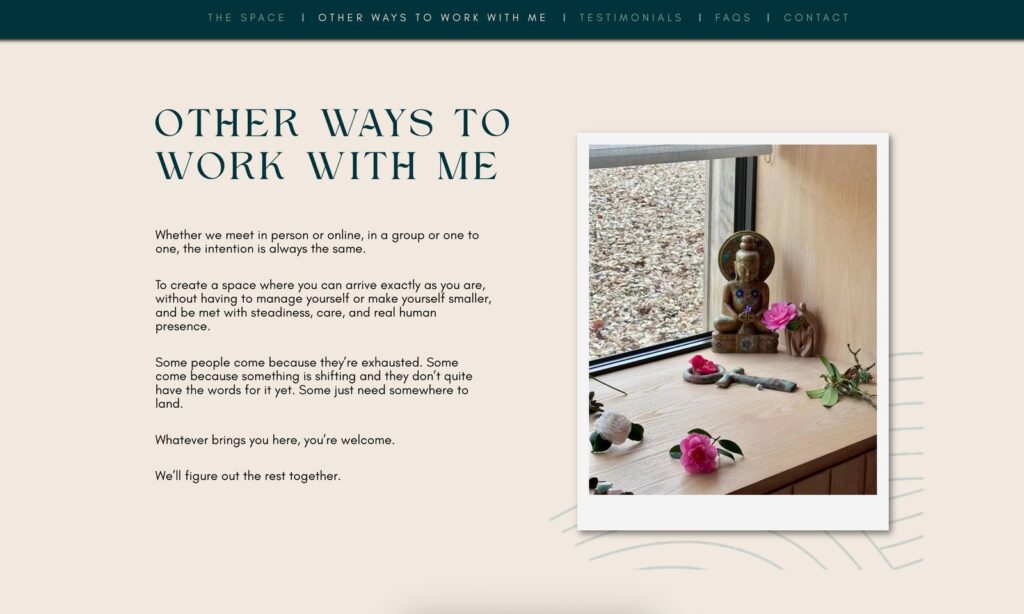
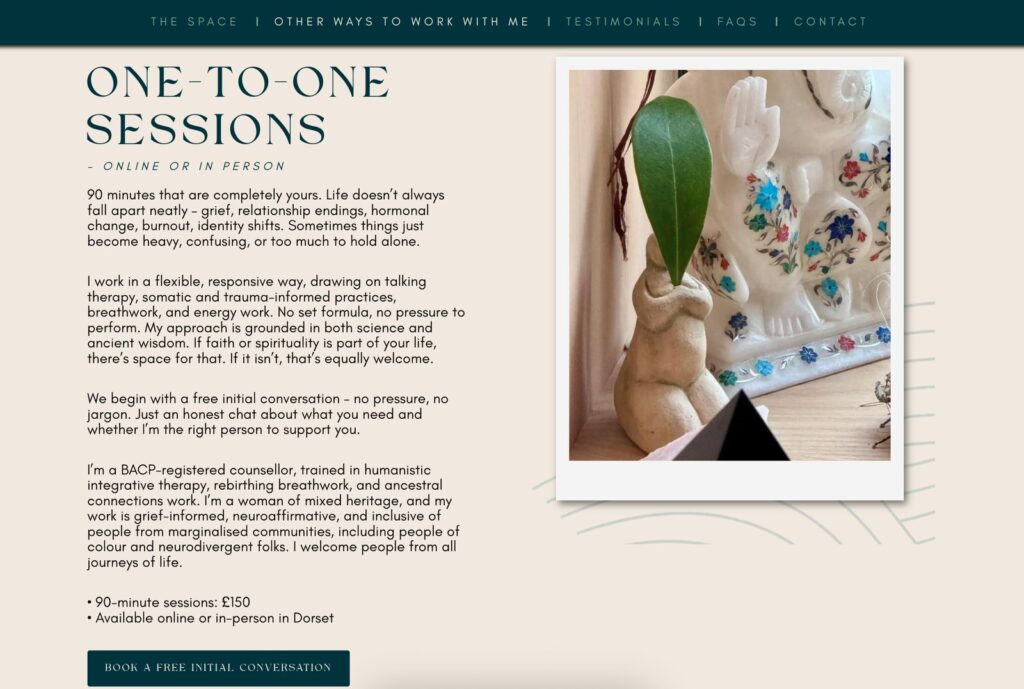
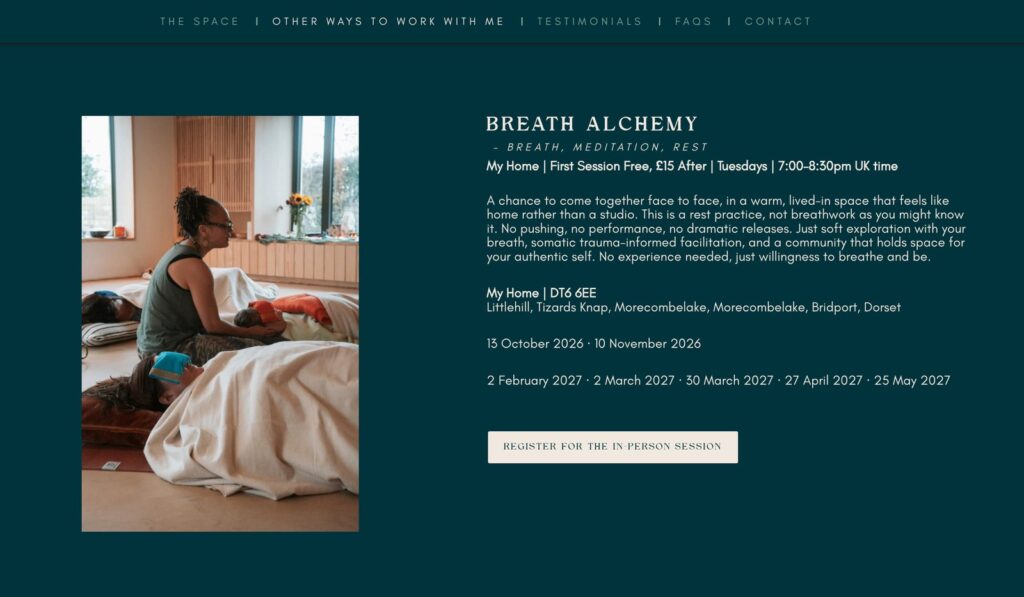
- OneSpirit Interfaith Foundation: I built and manage a full multi-page site for OneSpirit, covering everything from their homepage through to courses and their monthly newsletter. Each page was built with their community at the center, designed to feel welcoming, clear, and easy to navigate. In 2025, the site reached 33,000 active users.
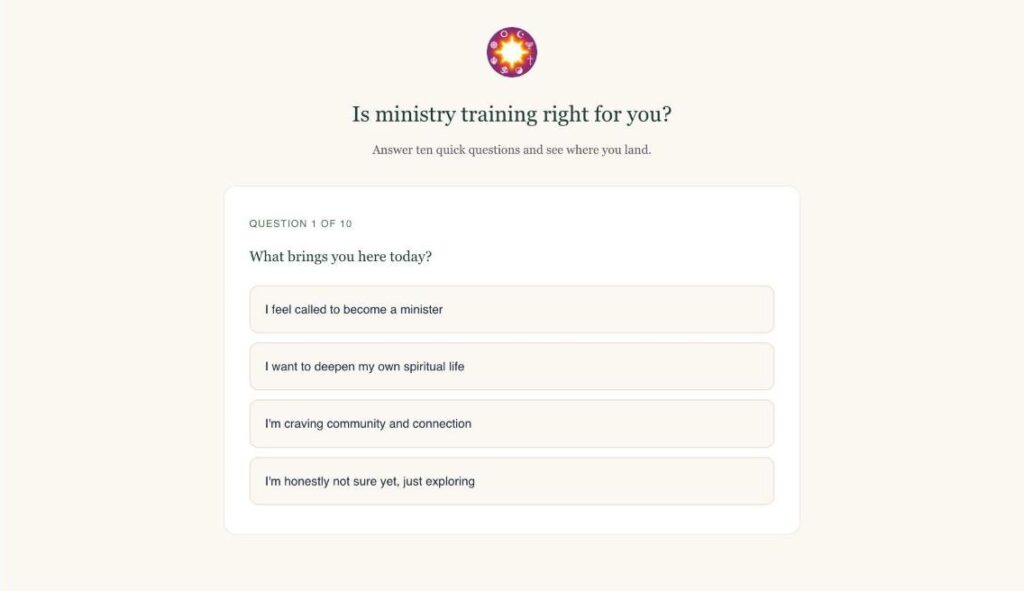
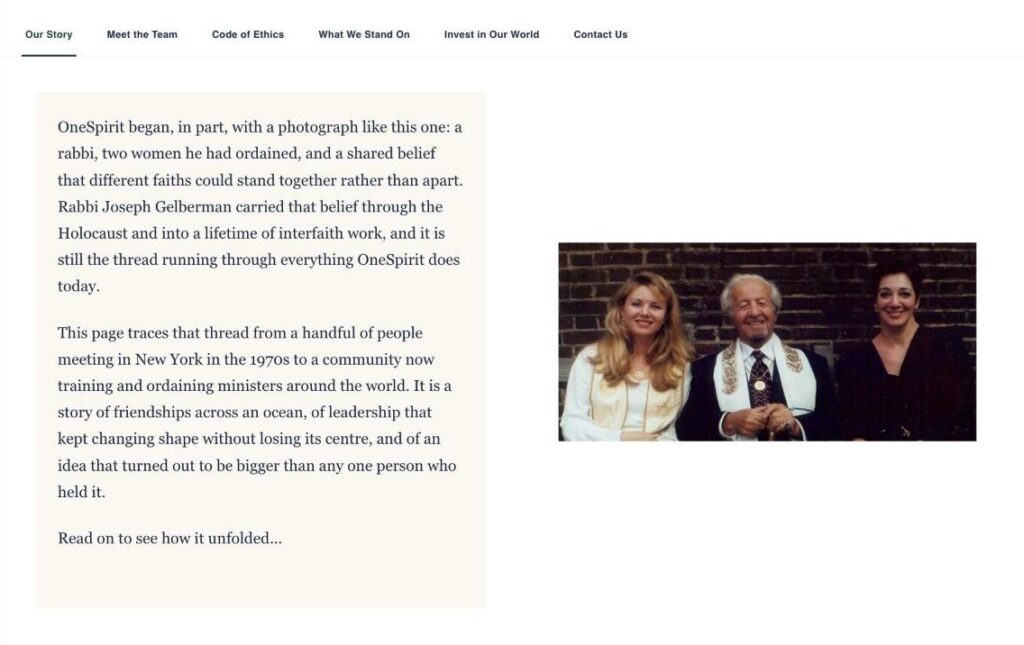
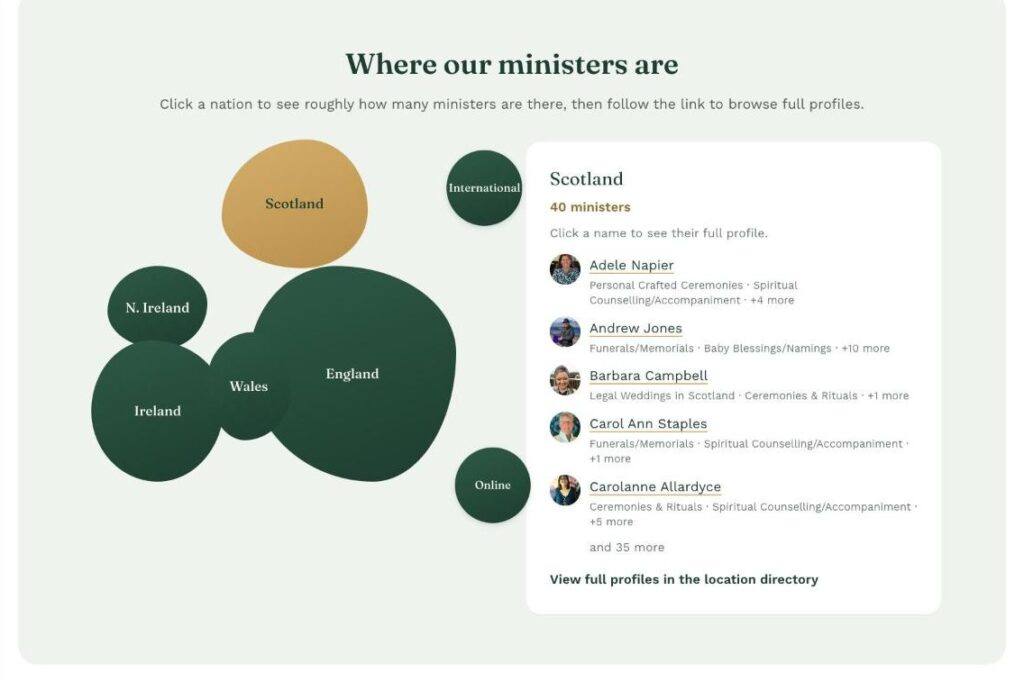
- OneSpirit on Circle: I'm building OneSpirit's new online home on Circle. A few of my favorite pieces: a ten-question quiz that helps people see whether ministry training is right for them, a clickable map showing where OneSpirit's ministers are, a Meet a Minister card that shuffles through the directory, and an Our Story timeline that follows the organization from 1981 to today.
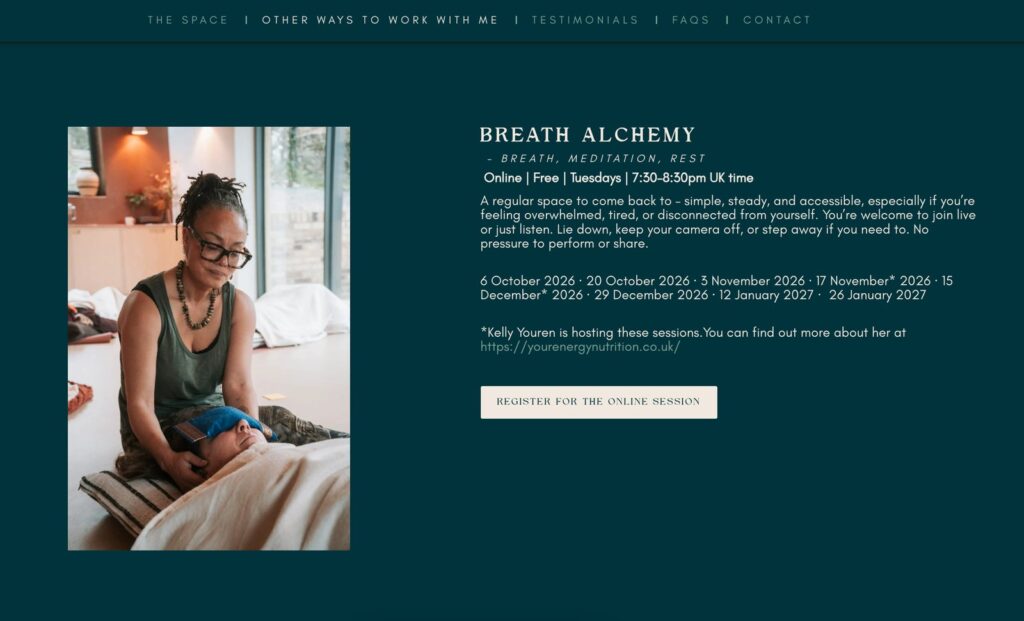
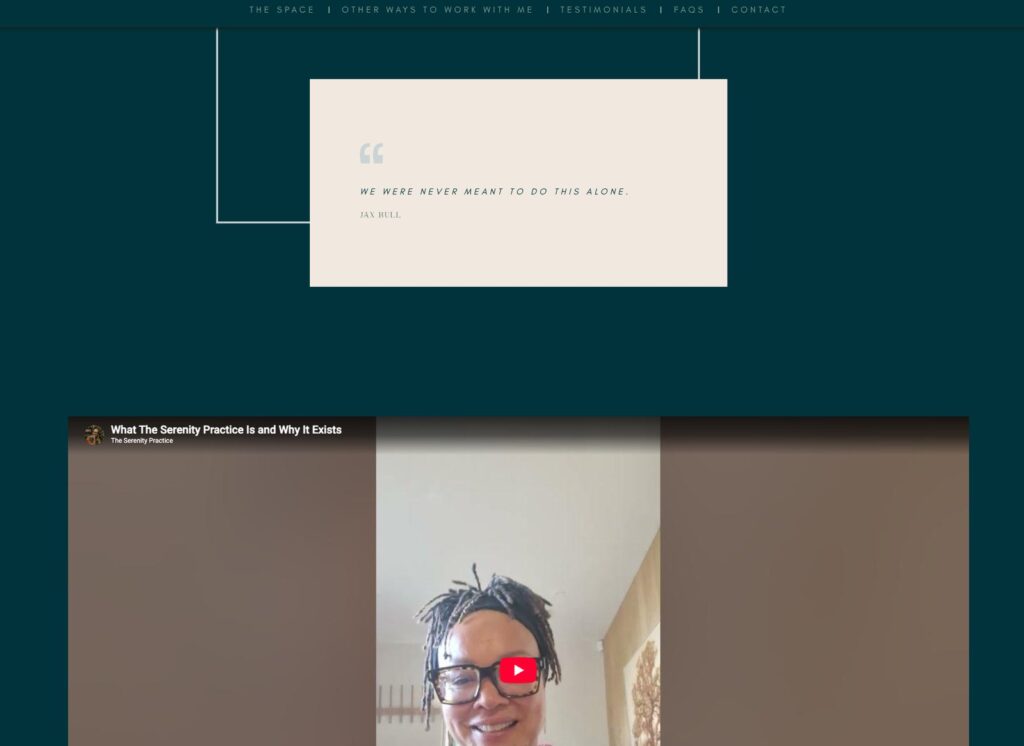
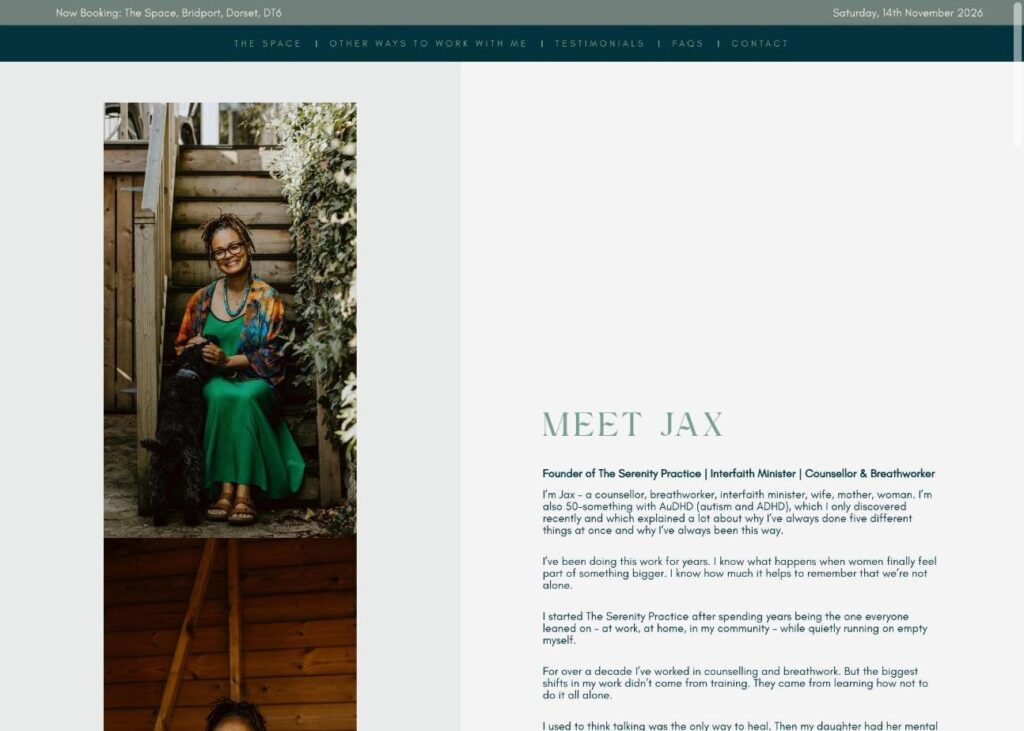
- The Serenity Practice: I manage and make routine edits to the full website for The Serenity Practice, designed to feel as calm and considered as the work Jacqui does.
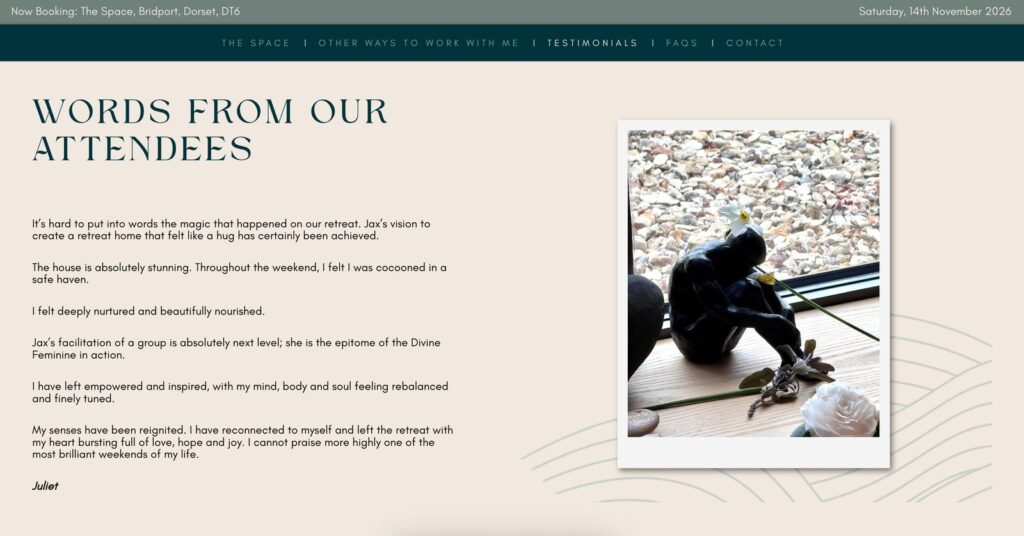
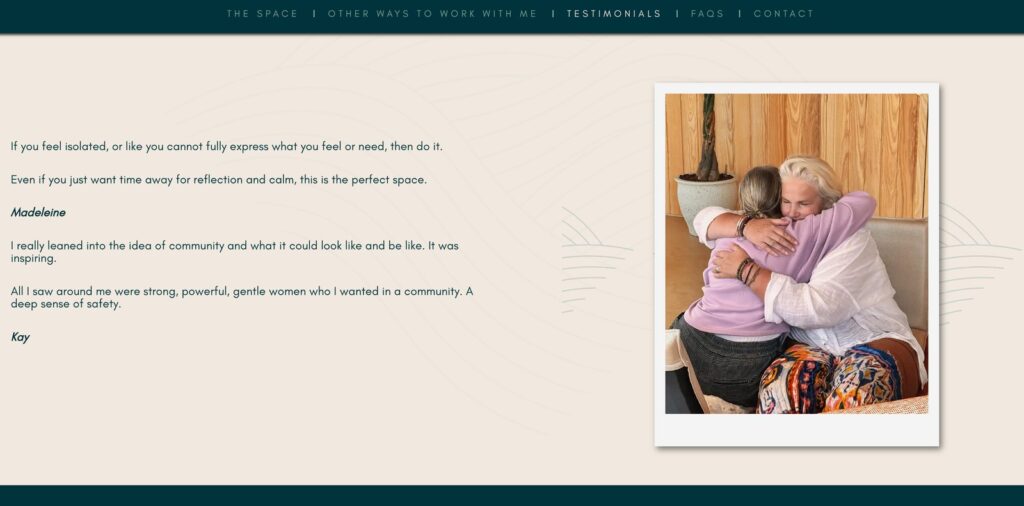
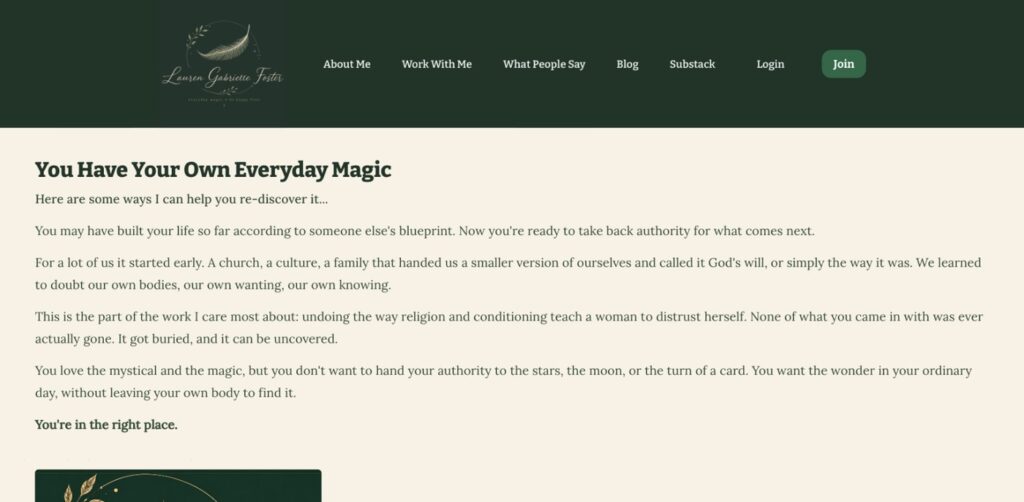
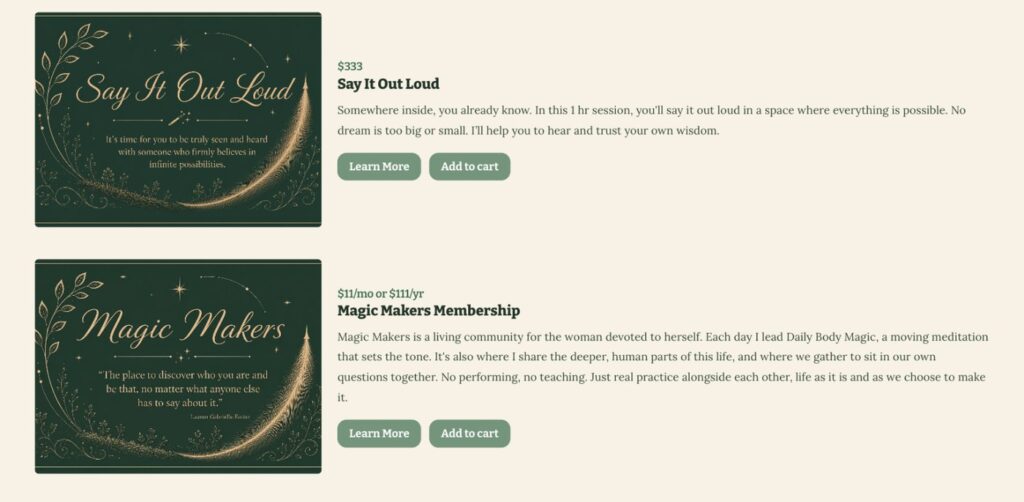
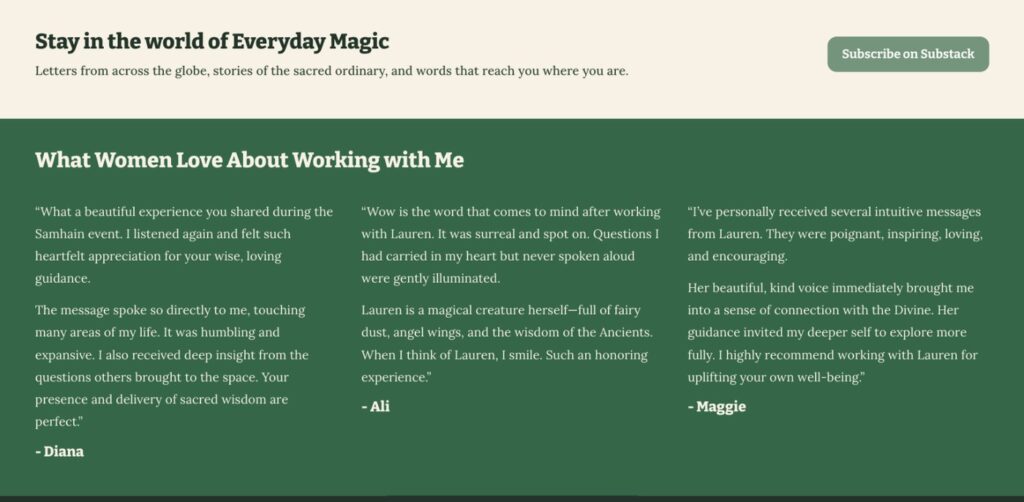
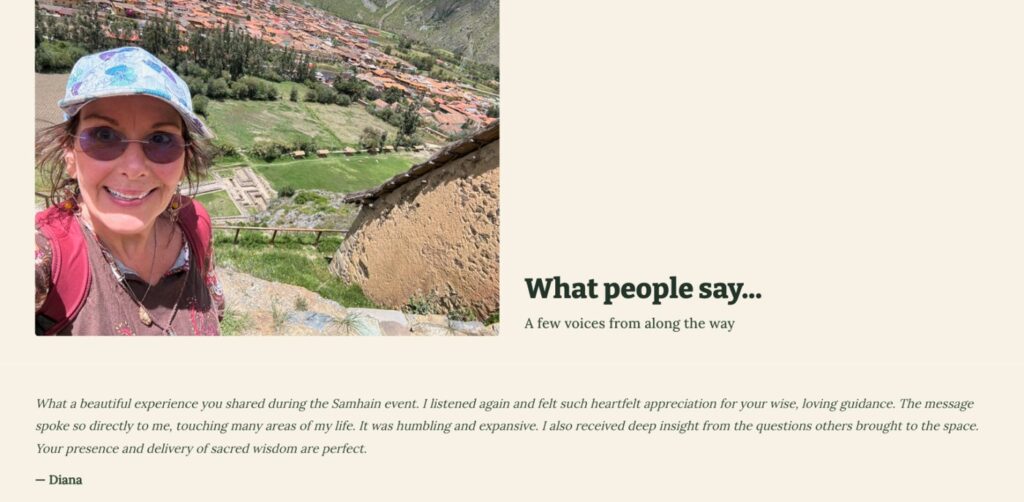
- Lauren Gabrielle Foster: I look after and have updated Lauren’s website, from her Work With Me offerings to the page that gathers what people say about her, all carried in the same green, gold and feather branding as her logo and Substack.
- Smart Communications: You're on it. I designed and set up every page, every layout, and every detail myself. If you like how it feels to move through this site, that's what I can bring to yours.
What an accessible website actually looks like:
Most people can't see accessibility, but the people who need it notice right away when it's missing. When I build or look after a site, that means:
- Every image has a written description, so screen readers can share what's there
- Headings are set up in a clear order, so the page makes sense when it's read aloud
- Colors have enough contrast and fonts are easy to read, at every size
- Buttons and links say where they go, not just "click here"
- Everything works properly on phones as well as laptops
See it on a real site
This website, with notes. None of this stands out at a glance, but all of it helps more people use the page.
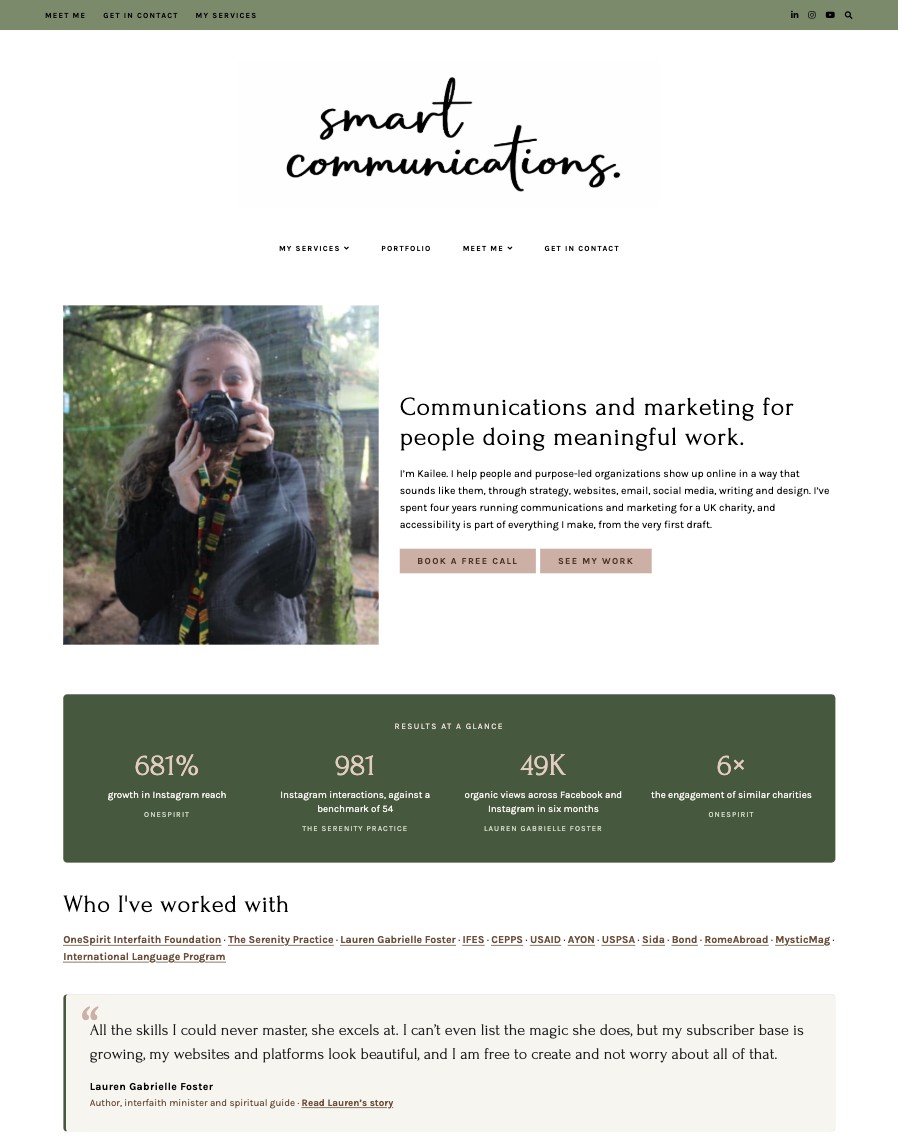
- A “skip to content” link for keyboard users, hidden until it’s needed.
- One clear main heading, with sections in order underneath, so the page makes sense read aloud.
- Every image has a written description, so screen readers can share what’s there.
- Buttons say where they go, with text dark enough to read easily.
- The animated numbers have a plain-text version, so screen readers hear the real figure, not a count from zero.
- Links are underlined, so they don’t rely on color alone.
Hear a page the way a screen reader does
Same content, built two ways. Switch between what you see and what someone using a screen reader hears.
Built without accessibility
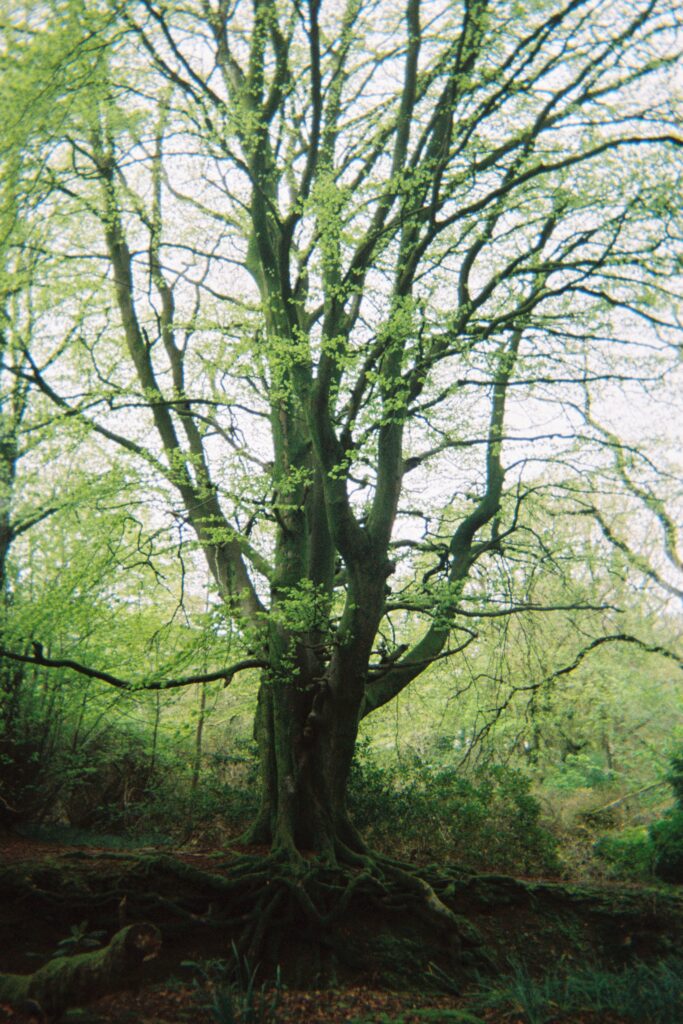
Our next retreat
Click here- "Image. zero zero zero zero five nine dash scaled dot j p g."
- "Our next retreat."
- "Link. Click here."
Built with accessibility
Our next retreat
Book your place on the spring retreat- "Image. A tall tree with spreading branches and fresh green leaves, in a mossy woodland."
- "Heading level 3. Our next retreat."
- "Link. Book your place on the spring retreat."
Both versions look identical. Only one of them makes sense to everyone.
How accessible is your website?
Answer six quick questions about your own site. There are no wrong answers, and nothing is saved or sent anywhere.
Why work with me:
I'm comfortable working across WordPress (including Elementor, Divi Builder, and Gutenberg), Squarespace, Wix and Podia. I've built and managed multi-page sites end to end, and I bring the same attention to detail to every project, whether I'm starting from scratch or stepping into something already in progress.